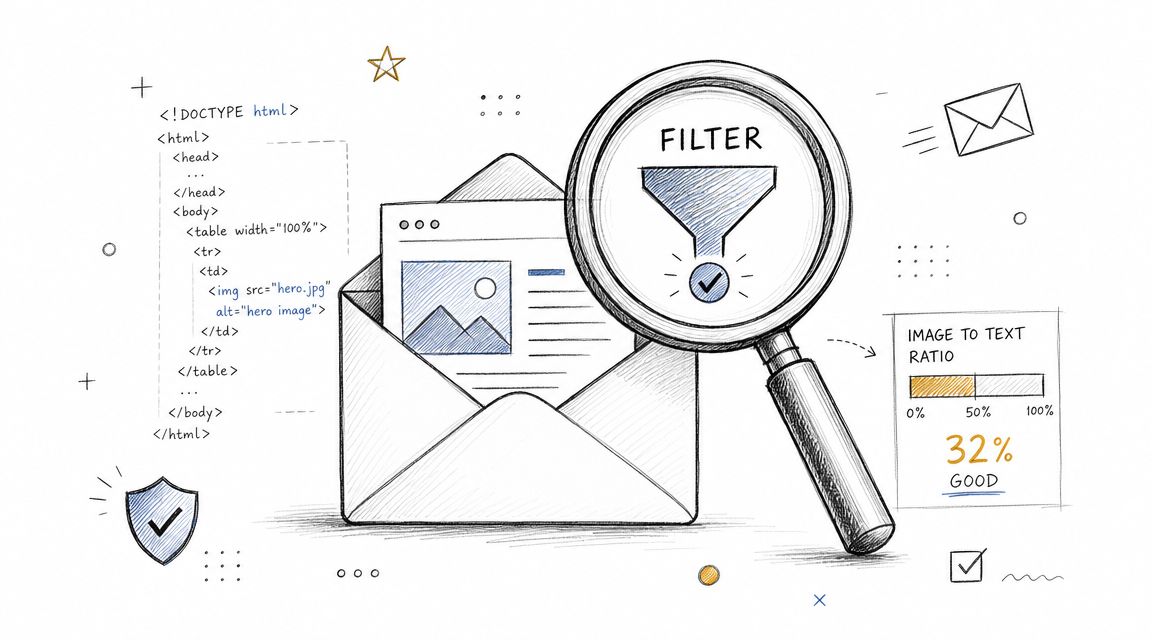
A campaign can look polished in preview and still underperform in the inbox because mailbox providers evaluate more than appearance. Image-heavy layouts, Gmail clipping, dark mode rendering issues, and bloated HTML can weaken trust, disrupt usability, and reduce the engagement signals that support strong inbox placement. Effective email design for deliverability depends on readable live text, clean code, stable rendering, and clear calls to action across Gmail, Outlook, Apple Mail, and Yahoo.
Feather's email deliverability tips
Anyone who needs broader technical context should also review this email deliverability full guide, then return to this page with a narrower question in mind: which design decisions make a campaign appear risky to filters and frustrating to recipients?
Table of Contents
In a deliverability context, email design means the structural, coding, and rendering choices that determine how a message is interpreted by both mailbox providers and recipients. Gmail, Outlook, Apple Mail, and Yahoo do not evaluate whether a design looked refined in a mockup. They evaluate whether the delivered message is readable, trustworthy, and easy to use.
A common failure pattern is straightforward. A team builds a launch email around a large hero image, places offer details inside graphics, and styles the CTA heavily. The ESP preview looks correct, but the live message behaves differently across inboxes.
Some Gmail users see only the top portion before clipping. Some Outlook users encounter spacing or alignment issues. Some Apple Mail users open the email in dark mode and watch a logo disappear into the background. Some recipients have images blocked and see almost no message.
The result is usually not an immediate spam-folder collapse. More often, it is weaker interaction, quick deletes, passive neglect, and lower-value engagement.
If a sender is still stabilizing cadence and reputation, it also helps to improve email warmup before judging creative performance.
Useful troubleshooting should also review the sending setup, not just the creative, especially when teams are investigating inbox placement from multiple angles.